The iBook G4: what remained
The return to the iBook was not a single repair, but a gradual process: the kind that happens when an object once central to daily life comes back into reach. Not as it was, but close enough that the old gestures still made sense.
In the previous article, I chronicled its revival, upgrading storage, adding RAM, and removing the optical drive, and opening the chassis again in 2026 felt strangely familiar. I remembered the first time I had done it as a teenager, for no precise reason except curiosity, working carefully on a desk that seemed too small for such an operation, afraid of breaking something I could not afford to replace. The screws were still arranged in the same deliberate pattern, the internal layout still followed the same logic: layered, compact, purposeful. Nothing inside was decorative. Every part existed because it had to.
This next chapter is about the machine’s extended life after those interventions. It is not a story of raw performance or benchmarks, but of attention, adaptation, and the quiet interplay between a student’s past choices and the possibilities of hardware brought forward in time.
The upgrades were therefore not acts of modernization so much as acts of clarification. The machine became lighter, quieter, and more legible, closer to its underlying intention.
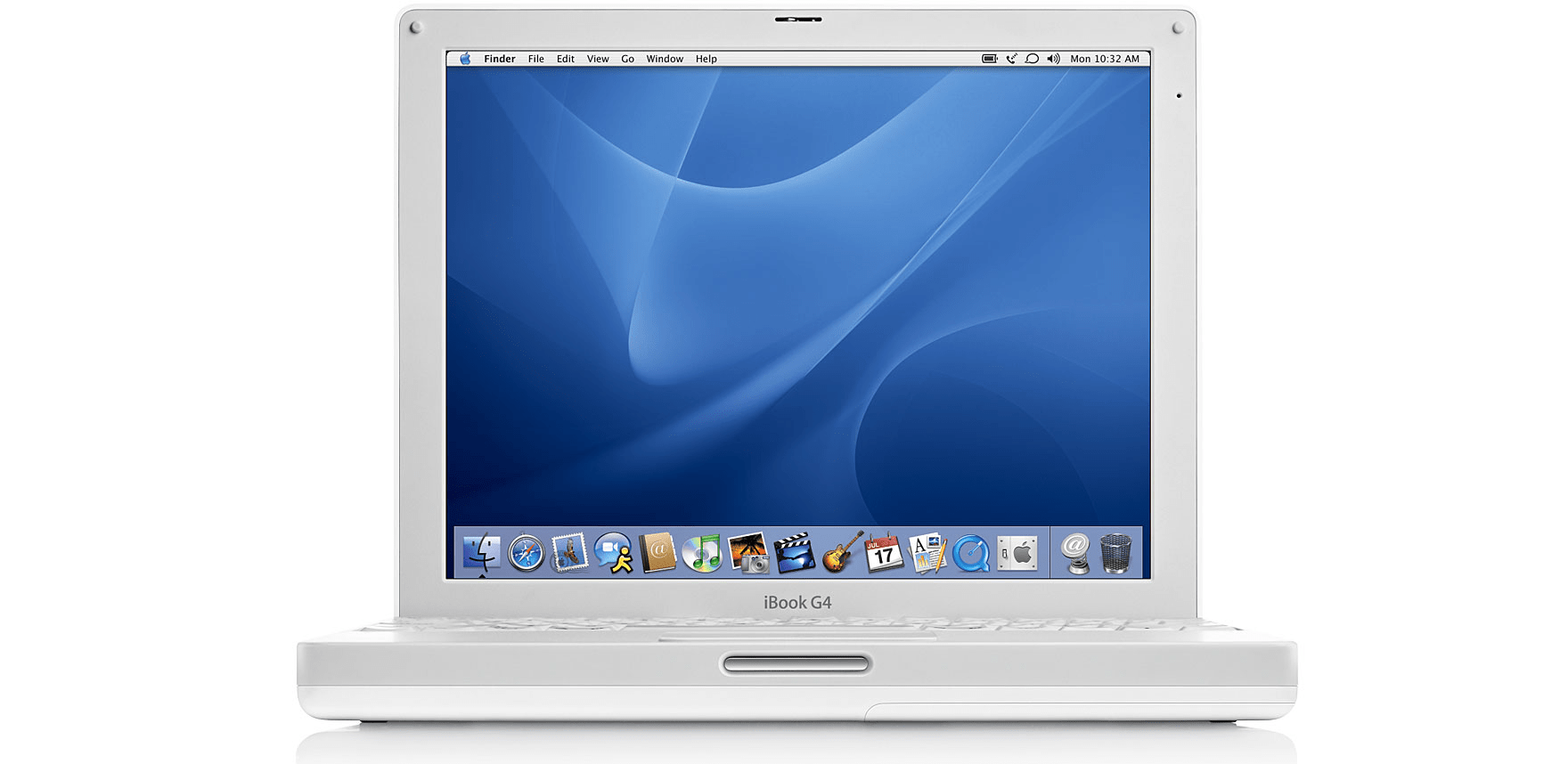
Beautiful machine, isn’t it?
A changed interior
The original configuration had been modest even in its time. It represented a balanced baseline rather than a premium specification: enough memory, enough storage, enough connectivity to form a coherent system. A fully upgraded iBook, with 1.5 GB of RAM, internal Bluetooth, and a DVD‑burning solution, would have pushed the price well over €1,500. For a student, that would have been a significant stretch, especially given the practical possibilities of the machine at the time. The base configuration struck a compromise between capability and cost, and that compromise made the investment manageable while still leaving room for later, incremental upgrades.
Two decades later, the differences between then and now can be described plainly:
| Component | As purchased (2006) | As restored (2026) | Price |
|---|---|---|---|
| Storage | 40 GB PATA HDD | 256 GB mSATA SSD via mSATA-IDE adapter | €11 + €20 |
| Memory | 512 MB onboard | +1 GB module (1.5 GB total) | €8 |
| Optical Drive | Combo CD-RW/DVD | Removed | |
| Weight | ~2.2 kg | Reduced by ~300 g |
Each change followed a consistent principle: reduce friction without altering identity.
For context, I paid €1,200 for the base mid‑2005 iBook G4 12″ 1.33 GHz in 2006. In comparison, the upgrades I added, a PATA‑mSATA adapter (€11), a 1 GB RAM module (€8), and a mSATA SSD (€20), together cost less than €40, or roughly 5% of the original purchase price. It’s striking how a few small, modern components can meaningfully extend the functionality of a machine that was such a significant investment at the time.
The SSD did not transform the computer into something new; it removed the mechanical hesitation that had accumulated between intention and response. The added memory did not make it powerful in contemporary terms; it allowed the system to remain internally consistent, avoiding the constant negotiation with swap space that once defined heavier workloads.
Removing the optical drive altered the machine most visibly. In 2006, the slot had represented possibility: installing software, burning discs, exchanging media physically. By 2026, that logic no longer applied. Its removal did not feel like a loss. Instead, it simplified the internal structure: one less motor, one less source of vibration, one less dependency on fragile mechanical alignment. It also reduced the laptop’s weight slightly, and I already have an external USB DL DVD writer to handle discs when needed, making the internal drive redundant.
What remained inside was closer to a stable core.
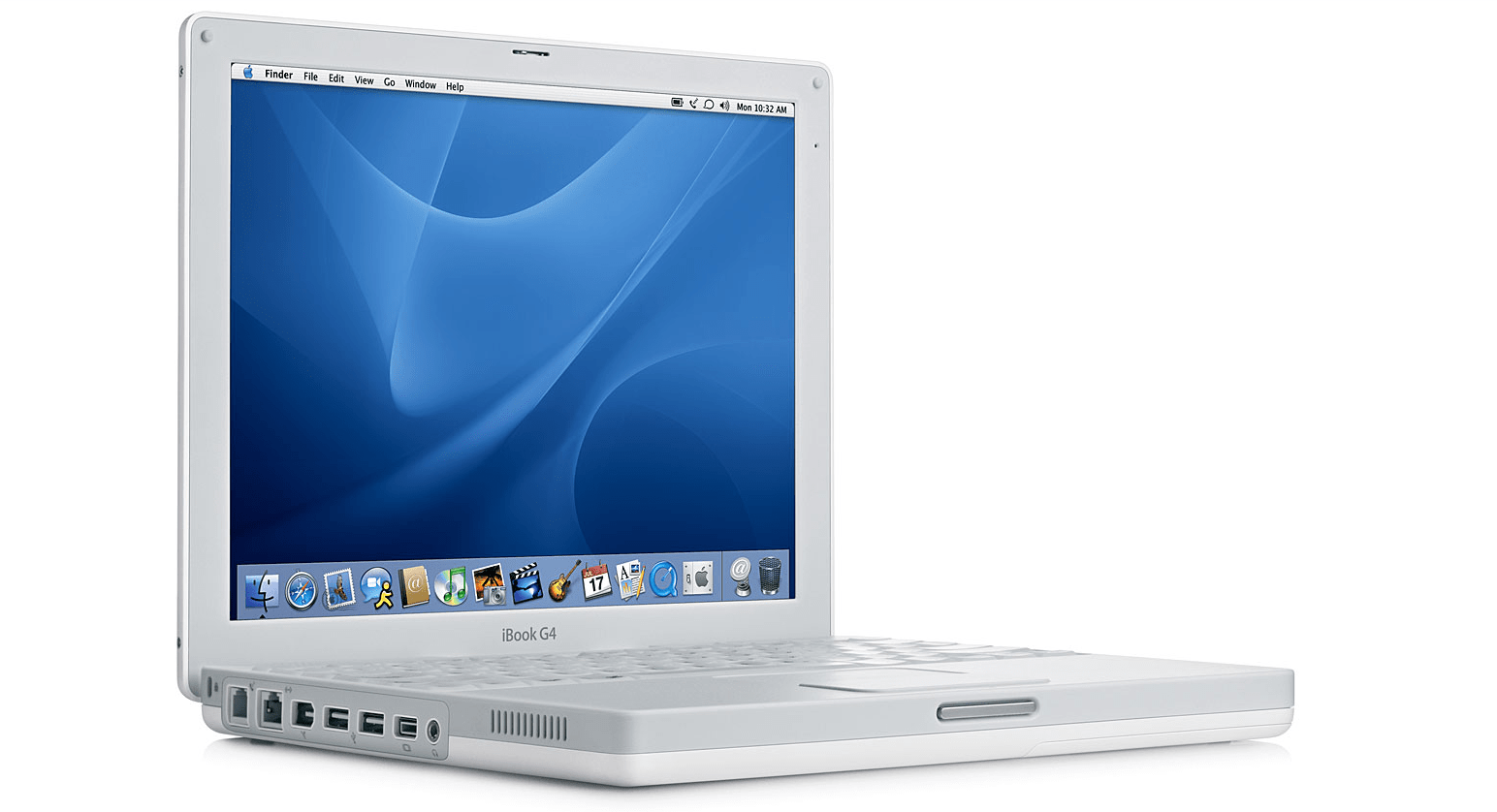
Left side: Ethernet, Modem, Firewire, USB, miniVGA, audio jack
Possible systems, bounded choices
Restoring the hardware led inevitably to the question of operating systems. The PowerPC architecture imposes clear boundaries: not artificial limitations, but structural ones.
The native lineage is defined by two final milestones: Mac OS X Tiger (10.4) and Mac OS X Leopard (10.5).
Tiger preserves the Classic Environment, allowing software written for the older Mac OS 9 world to run within a compatibility layer. Leopard removes this bridge entirely. Installing it therefore marks a clear historical boundary: it is the last official system for the machine, but also the first that no longer looks back toward the Classic era.
Choosing Leopard meant accepting that separation. The machine could remain current within its own timeline, but it could no longer directly inhabit its earliest software past.
Beyond Apple’s own systems, other paths remain.
MorphOS offers a remarkably responsive environment optimized for PowerPC hardware, but its licensing model reflects a different philosophy: each installation requires a paid activation (€79) tied to the specific machine. The computer itself becomes the license key, reinforcing the sense of individuality rather than interchangeability.
Linux distributions also persist in various forms: Debian PowerPC, ArchPower, and smaller maintained forks. They demonstrate the flexibility of the architecture, yet they also reveal its temporal distance. Many packages are outdated, repositories are incomplete, and modern software expectations often exceed what maintainers can realistically sustain on this platform.
The system remains usable under Linux, but the surrounding ecosystem feels quiet, partially abandoned, like a library whose catalog has not been updated in years.
In the end, Leopard represented the most coherent choice. It is the final complete expression of the platform’s original design logic: hardware support, application compatibility, and system integration still aligned at their last stable point.
It is not the newest possible environment.
It is the last fully whole one.
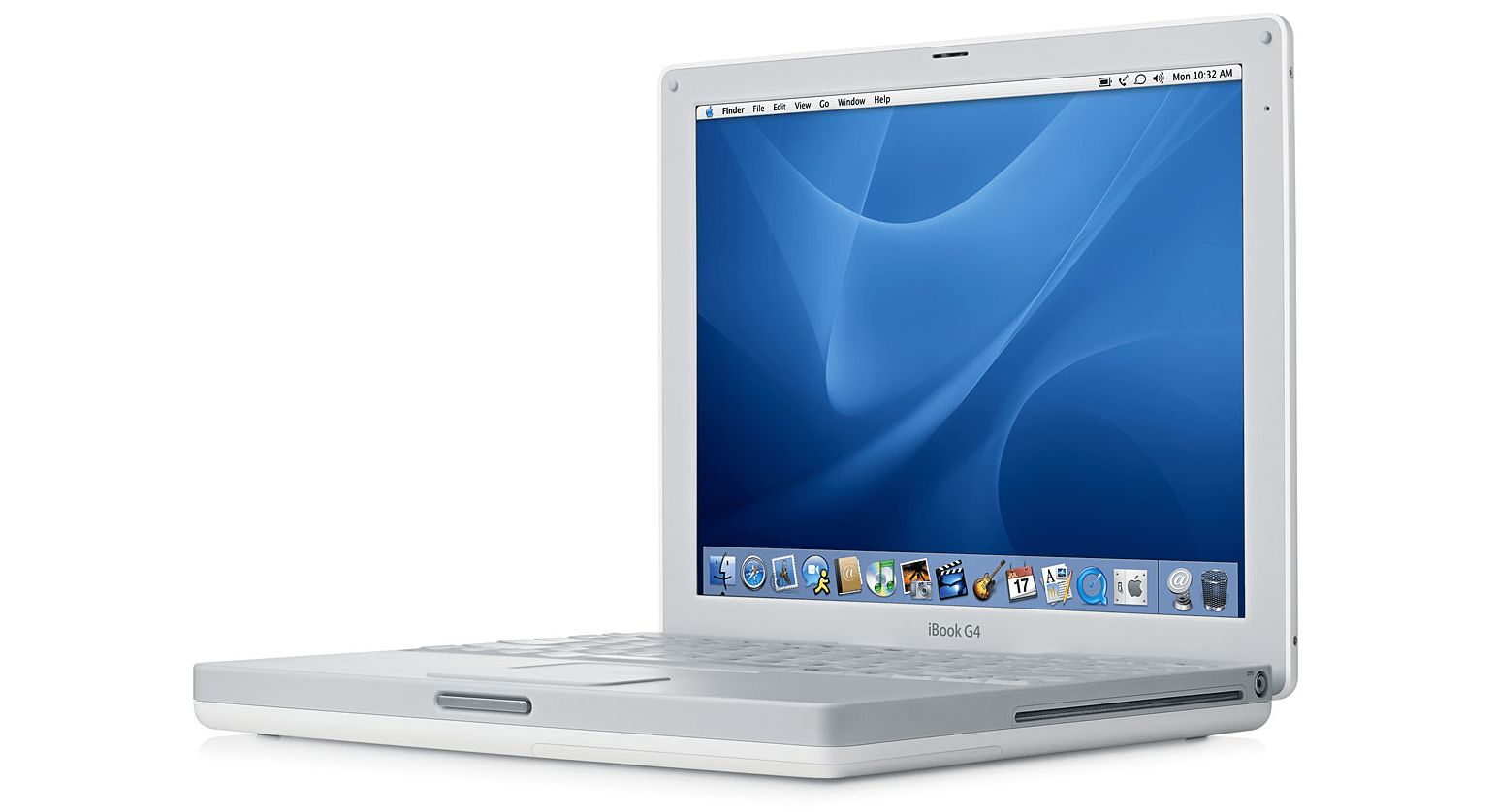
Right side: RCA power-in, optical drive
Working within its present
Installing Leopard onto the blank SSD did not restore the past. It created a new present bounded by the limits of the architecture.
Within those limits, the machine becomes surprisingly capable.
Development remains one of its most natural uses. Xcode 3.1.4 and the iPhone SDK 3.1.3 still provide a complete environment for building software within the technological horizon of the late PowerPC era. REALbasic 2009 offers a similarly self-contained workflow, reflecting a time when development tools prioritized clarity over abstraction.
For writing and editing, lightweight tools such as TextMate and Coda open instantly and remain responsive regardless of project size. Their simplicity mirrors the hardware itself: direct, predictable, and free from background activity.
File transfer remains fully functional through tools like FileZilla, allowing the machine to interact reliably with contemporary infrastructure. In contrast, older network clients such as ShakesPeer, MSN Messenger, Skype, Twitterrific, and ICQ now exist in a different role. Their backends have long since disappeared (except ShakesPeer), yet their binaries remain installed; not as utilities, but as artifacts. They persist like disconnected telephones: silent, but still meaningful.
Creative software continues to operate with surprising stability. GarageBand 5.1 from Apple’s iLife ‘09 and Logic Studio Pro 2 remain fully usable for audio production, their interfaces unchanged, their performance consistent. The Adobe CS4 suite runs reliably as well, with Photoshop CS4 still feeling remarkably capable within its defined scope. Pixelmator 1.5.1 offers a lighter alternative that aligns well with the machine’s resources.
Office work remains entirely practical. Microsoft Office 2008 continues to handle documents with ease, while LibreOffice and OpenOffice provide additional compatibility for modern file formats. Writing, formatting, and managing structured information require little beyond stability, something the system provides naturally.
Web browsing reveals the clearest boundary between eras. Modern PowerPC browsers such as PowerFox and White Star, built upon the UXP platform derived from Pale Moon, enable access to a large portion of today’s web. Yet the absence of native just-in-time JavaScript compilation becomes immediately visible on complex sites. Pages load, but heavy client-side processing exposes how dramatically web expectations have shifted over time.
The machine can still reach the modern network.
It simply does so at its own pace.
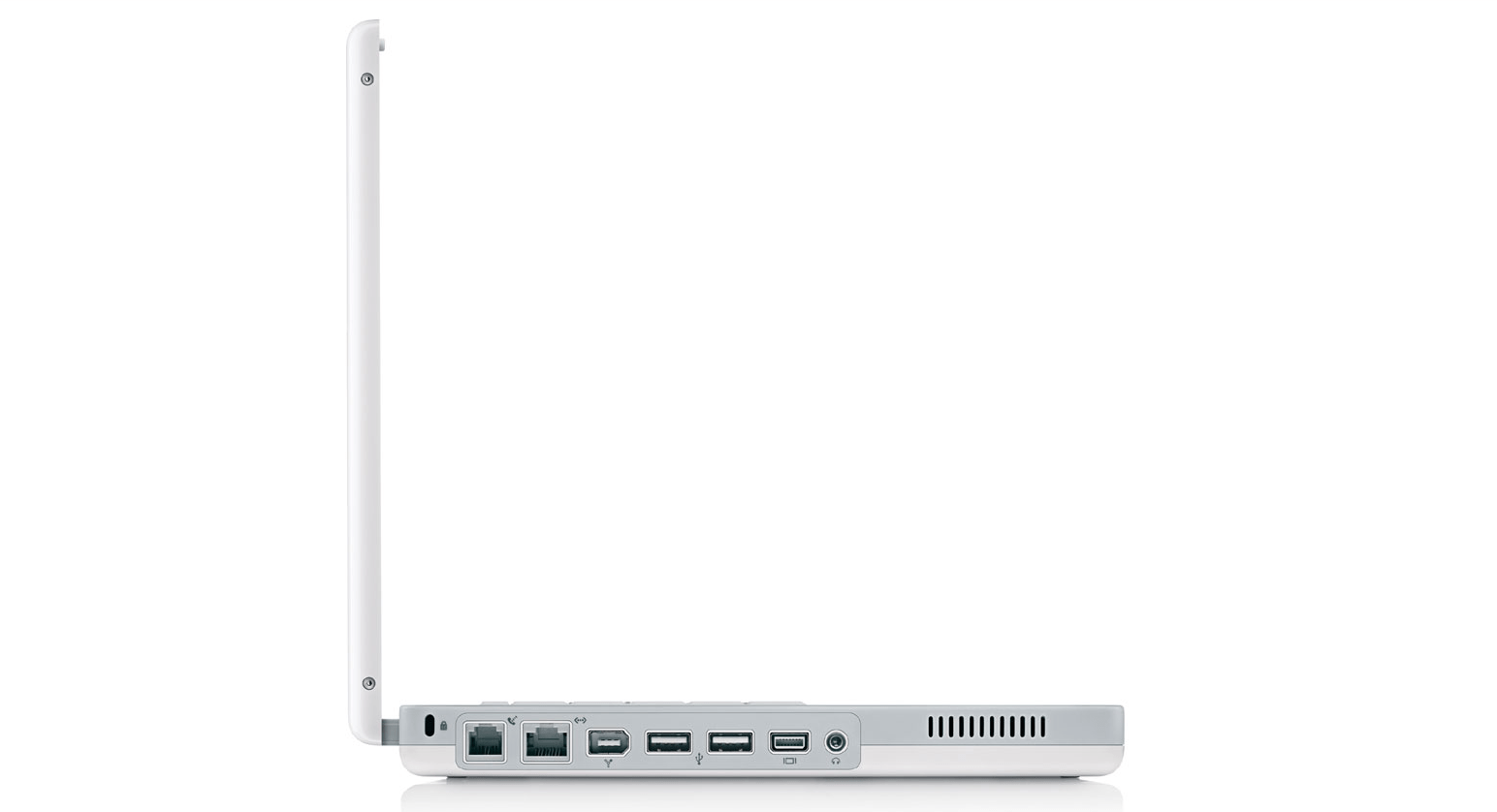
Virtual machines, preserved worlds
Even within its own historical limits, the machine does not remain confined to a single era. One of the quiet strengths of the PowerPC platform is its ability to host other systems through emulation and virtualization; not at modern speeds, but with remarkable fidelity.
These environments do not expand the computer outward into the present. Instead, they extend it backward and sideways, allowing it to contain multiple timelines at once.
For the earliest Macintosh systems, SheepShaver provides a stable bridge. Within it, Mac OS 8 and Mac OS 9 run with a smoothness that feels almost native, their interfaces responding instantly, their visual language intact. Opening those environments on the iBook does not feel like running an emulator so much as uncovering an earlier layer of the same machine’s identity, a reminder that the architecture was always designed to evolve through continuity rather than abrupt replacement.
The experience is not purely technical. The windowed Finder, the cooperative multitasking model, the distinctive soundscape of system alerts, all reappear exactly as they once were. The iBook becomes capable of inhabiting not only its own past, but the deeper lineage from which it emerged.
For personal computing outside the Macintosh ecosystem, Microsoft Virtual PC 7 offers another form of preservation. It allows the machine to host entire x86 environments: MS-DOS, Windows 3.11, Windows 95, 98, and 2000 run with reasonable responsiveness, their constraints aligning closely with the emulation overhead. Even Windows XP remains technically possible, though its performance reveals the limits of translation between architectures. Operations become slow, interfaces hesitant: a visible demonstration of how much computational distance lies between the PowerPC world and the later dominance of x86 systems.
Yet even at reduced speed, these environments remain meaningful. They allow the iBook to contain parallel histories of computing, not merely as files or disk images, but as fully functioning systems with their own internal logic.
For more unusual operating systems, another approach becomes necessary. Through QEMU, the machine can emulate a wide range of architectures, enabling environments that were never intended to coexist with PowerPC laptops at all. Systems such as NeXTSTEP, Rhapsody, and Solaris can be brought into operation within carefully configured virtual machines.
Their performance is modest, often slow enough to require patience, but their presence is significant. They transform the iBook into a container of computing lineages: different philosophies of interface design, kernel architecture, and system organization coexisting within a single physical device.
In this sense, virtualization does not make the machine more powerful in contemporary terms.
It makes it more complete.
Instead of connecting to the ever-changing present, it gathers multiple pasts into a stable, accessible form. Each virtual environment becomes another room inside the same quiet structure, a place that can still be entered, explored, and understood without being altered by the outside world.
The iBook, once a single system bound to a specific moment in technological history, becomes something broader: a vessel capable of holding entire strata of computing time, layered carefully one above another, all waiting with the same patient stillness.
Working with the restored iBook now feels less like operating a computer and more like maintaining an instrument. Each task unfolds within clear limits. Each action produces visible consequences. Nothing is hidden behind layers of optimization.
Returning to it recalls a different relationship to computing, one shaped not by abundance, but by attention.
The machine still waits in the same way it did twenty years ago.
Not idle, not obsolete: simply ready, patient, and unchanged in its purpose.